
Vapi.ai Tutorial: Build Your First Voice AI Agent in 2025
Learn to build your first voice AI agent in 2025 with Vapi.ai’s sub-second response tutorial. Ideal guide for developers to create and deploy with ease.
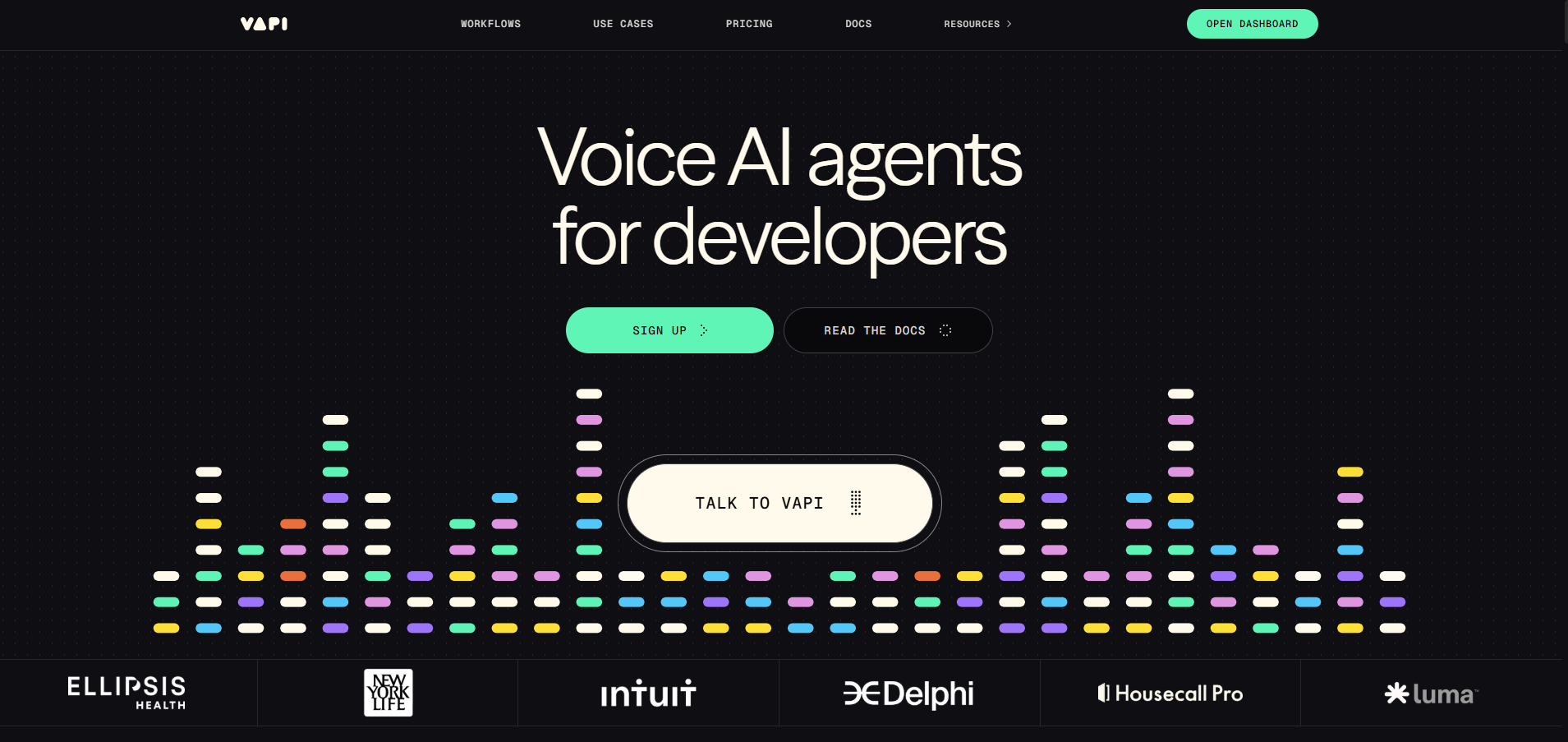
1. Introduction: Why Build with Vapi.ai?
Building a voice AI agent is now within reach for developers, thanks to Vapi.ai tutorial resources in 2025. Vapi.ai, a developer-first platform founded by Jordan Dearsley and Nikhil Gupta, offers a seamless way to build voice AI 2025 with sub-second response times and modular API support. Whether you’re creating a customer support bot or an appointment scheduler, this Vapi.ai developer guide will walk you through the process, showcasing Vapi.ai’s ease of use and encouraging you to join its growing community of over 100,000 developers.
With tools to handle complex conversation flows and integrations with telephony, Vapi.ai simplifies what once took months into a matter of minutes. Ready to create your first agent? Start exploring at vapi.ai and follow this tutorial to get started.
2. Overview of Vapi.ai’s Platform
Vapi.ai’s platform is designed to empower developers with cutting-edge voice AI capabilities. Key highlights include:
- Sub-Second Response Times: Achieves latency as low as 800ms, ensuring real-time conversations (based on docs.vapi.ai).
- Modular API Support: Allows customization with third-party models like OpenAI, Claude, and ElevenLabs via API keys.
- Kubernetes-Based Scaling: Handles millions of concurrent calls with high reliability and fault tolerance.
- Flow Studio: A visual interface for designing conversation flows without deep coding.
- Telephony Integration: Supports inbound and outbound calls with SIP trunk options.
This modular approach, combined with a $0.05/minute pricing model and $10 free credits, makes Vapi.ai a top choice for voice AI development in 2025.
Fact: Vapi.ai’s recent $20M Series A funding (Dec 2024) fuels its mission to revolutionize voice AI.
3. Step-by-Step Guide to Building Your First Agent
Follow this Vapi.ai tutorial to create and deploy your first voice AI agent:
- Sign Up: Visit vapi.ai, sign up with your email, and add $10 in free credits via the payment portal.
- Access Flow Studio: Log in, navigate to the dashboard, and click “Create Assistant” to open the Flow Studio.
- Configure the Agent: Set a name (e.g., “SupportBot”), define an initial prompt (e.g., “Hello, how can I assist you today?”), and choose a default LLM (e.g., OpenAI’s gpt-4).
- Integrate Telephony: Add a phone number (via Twilio or Vapi.ai’s SIP trunk at $10/line) and enable outbound calling in the settings.
- Deploy and Test: Publish the agent, initiate a test call via the “Talk with Assistant” button, and verify responses. Adjust as needed.
Time Required: ~15-20 minutes. Refer to Vapi.ai Developer Docs for advanced configurations.
Tip: Start with a simple prompt to test basic functionality before adding complex logic.
4. Tips for Integrating Custom LLMs and TTS Models
Enhance your Vapi.ai voice agent with these integration tips:
- Custom LLMs: Add OpenAI (e.g., gpt-4) or Claude by entering your API key in the dashboard under “Model Settings.” Test with a small dataset first.
- TTS Models: Integrate ElevenLabs for realistic voices by selecting it in the “Voice Settings” and inputting your API key. Adjust pitch or speed as needed.
- Optimization: Use Vapi.ai’s proprietary endpointing model to reduce latency when switching models.
- Testing: Run simulated calls to ensure smooth transitions between LLM and TTS outputs.
- Backup Plans: Set a fallback LLM (e.g., default model) in case custom integrations fail.
These customizations, supported by Vapi.ai’s modular design, allow for tailored voice AI 2025 solutions.
Example: A developer paired OpenAI with ElevenLabs to create a lifelike support bot with emotional inflection.
5. User Story: Launching a Customer Support Bot
Ryan Carter, a freelance developer, shared his experience with Vapi.ai:
“I built a customer support bot for my e-commerce site using Vapi.ai’s Flow Studio in under an hour. The sub-second responses and easy telephony setup impressed my clients, and it handles 50+ calls daily flawlessly!” – Ryan Carter
Ryan’s success with the Vapi.ai developer guide showcases how Vapi.ai empowers developers to deliver scalable solutions quickly.
6. Troubleshooting Common Issues
Address these common issues when building a Vapi.ai voice agent:
- Background Noise: Enable the noise reduction toggle in the dashboard’s audio settings to filter out distractions.
- Latency Spikes: Check internet stability or switch to a closer server location; Vapi.ai targets 800ms latency.
- Model Hallucinations: Refine prompts or add a knowledge base (via docs.vapi.ai) to ground responses.
- Call Drops: Verify SIP trunk configuration or contact support via Discord for assistance.
- Testing Failures: Use the simulated voice suite to isolate issues before live deployment.
These solutions, supported by Vapi.ai’s documentation, ensure a smooth development process.
Tip: Join Vapi.ai’s Discord community for real-time troubleshooting help from peers.
7. Conclusion: Deploy Your Vapi.ai Voice Agent
This Vapi.ai tutorial demonstrates how easy it is to build voice AI 2025 with Vapi.ai’s sub-second response times and modular API support. From setting up your first agent in the Flow Studio to integrating custom LLMs and troubleshooting issues, Vapi.ai empowers developers to create impactful voice solutions, as proven by Ryan’s success.
Start building your voice AI agent today at vapi.ai, leveraging your $10 free credits. Explore advanced features in the Vapi.ai Developer Docs and join a community of innovators!
Create Your Vapi.ai Agent Now!