
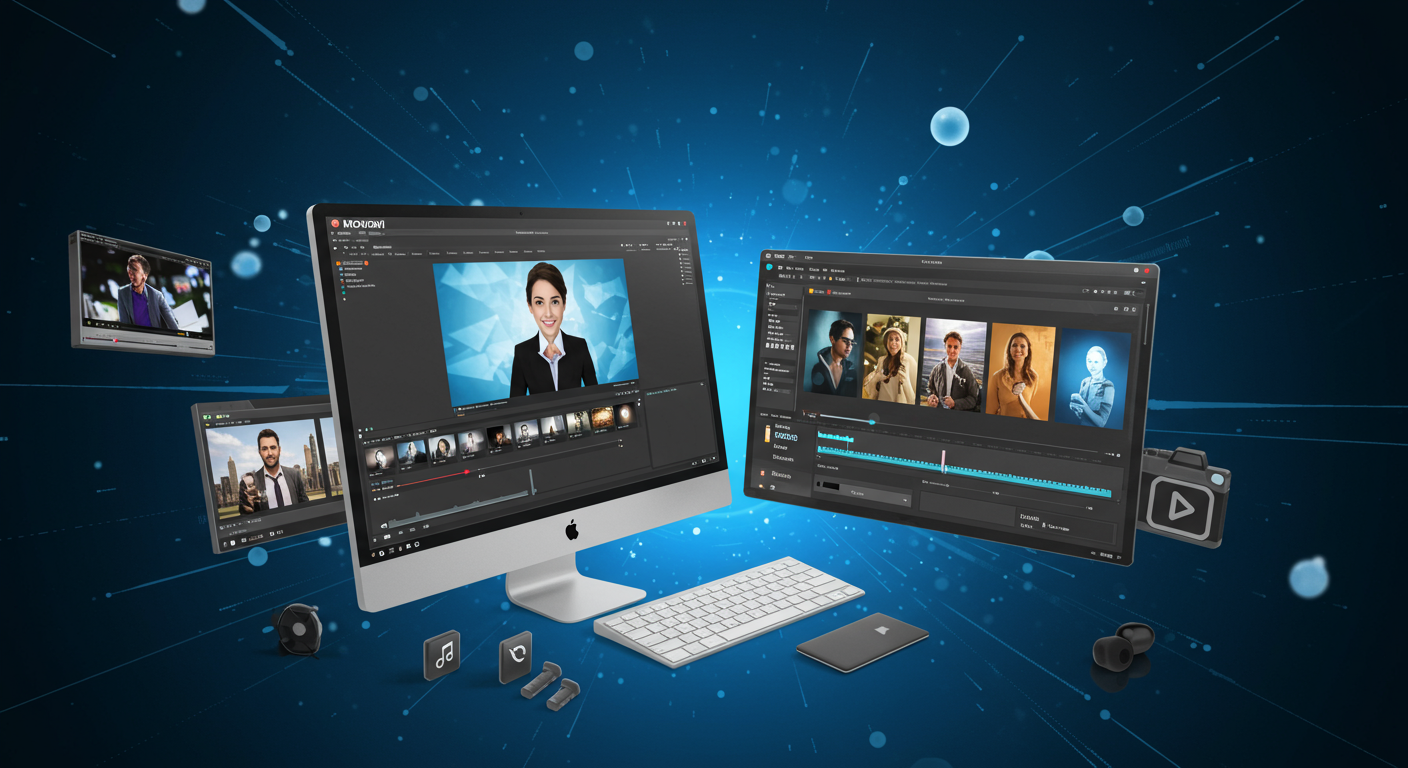
Create Stunning Videos with Movavi: Your All-in-One Multimedia Solutio
In today’s digital landscape, creating engaging video content is essential for individuals, businesses, and content creators alike. Movavi offers a comprehensive suite of multimedia tools designed to simplify video editing, conversion, and screen recording, empowering users of all skill levels to produce professional-grade content effortlessly. With over 70 million users across 190 countries and a reputation for intuitive design, Movavi Video Suite 2025 is a standout choice for anyone looking to craft captivating videos, slideshows, and more. Backed by awards like the 2024 Capterra Shortlist and praised by outlets such as TechRadar and Digital Trends, Movavi delivers powerful features in an accessible package. Discover how Movavi can transform your creative workflow and help you stand out online.
1. Movavi Video Suite 2025: A Comprehensive Multimedia Powerhouse
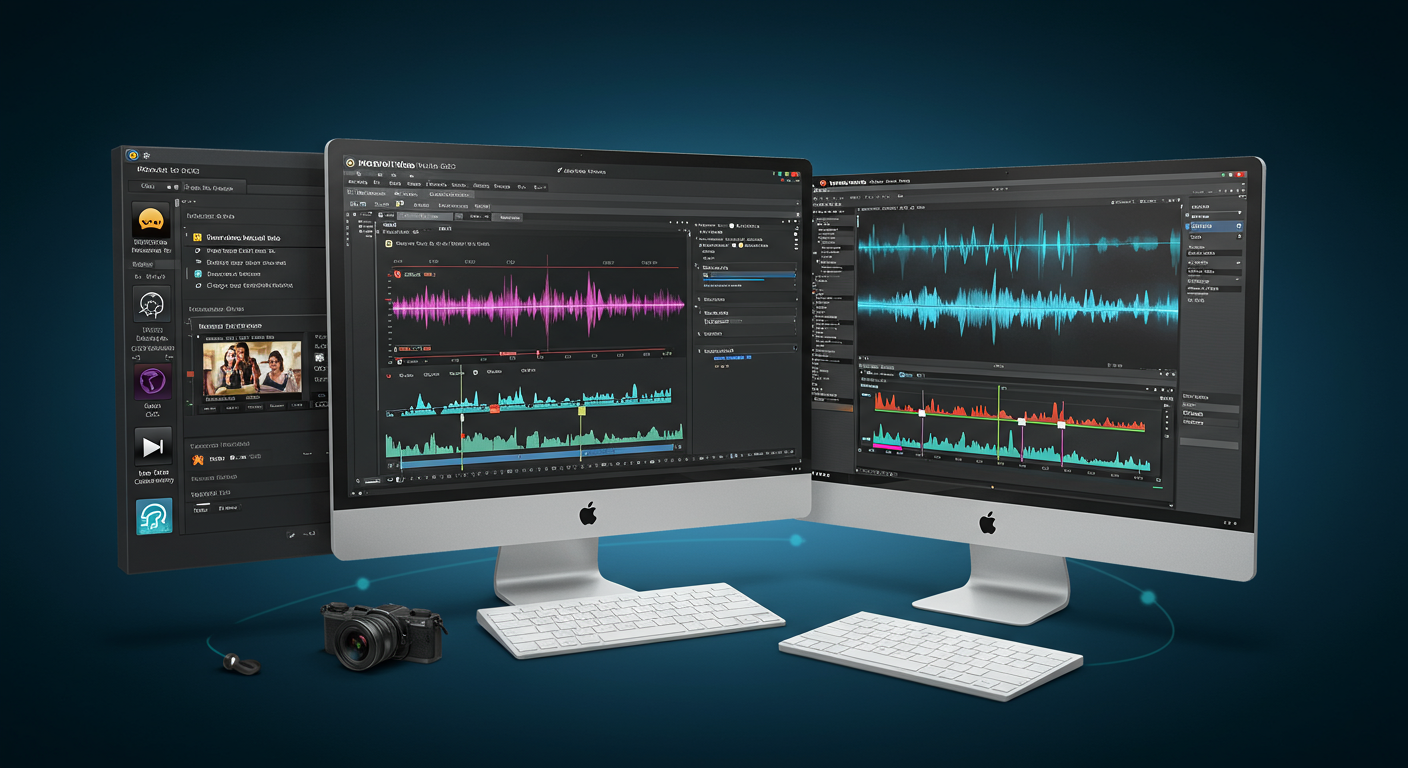
Movavi Video Suite 2025 is an all-in-one solution that combines a video editor, media converter, screen recorder, and more, making it ideal for creators, educators, and businesses.
- Video Editor: Features an intuitive timeline with drag-and-drop functionality for cutting, cropping, and enhancing videos. Includes AI-powered tools like auto subtitles, motion tracking, and background removal, enabling professional results without a steep learning curve.
- Video Converter: Supports over 180 formats (e.g., MP4, AVI, MOV) with lightning-fast conversion and AI upscaling for up to 8X resolution enhancement, ensuring compatibility across devices and platforms.
- Screen Recorder: Captures full or custom screen areas, webcam footage, and audio, with real-time drawing and cursor highlighting, perfect for tutorials or gaming content.
- Extensive Asset Library: Offers over 6,000 effects, including 1,500 royalty-free music tracks, transitions, titles, overlays, and LUTs, allowing users to customize content for any mood or platform.
Priced at $109.95 annually or $79.95 for a lifetime license, the suite offers exceptional value, with a 7-day free trial available to test all features (with limitations like watermarks on exports).
2. AI-Powered Features for Effortless Editing
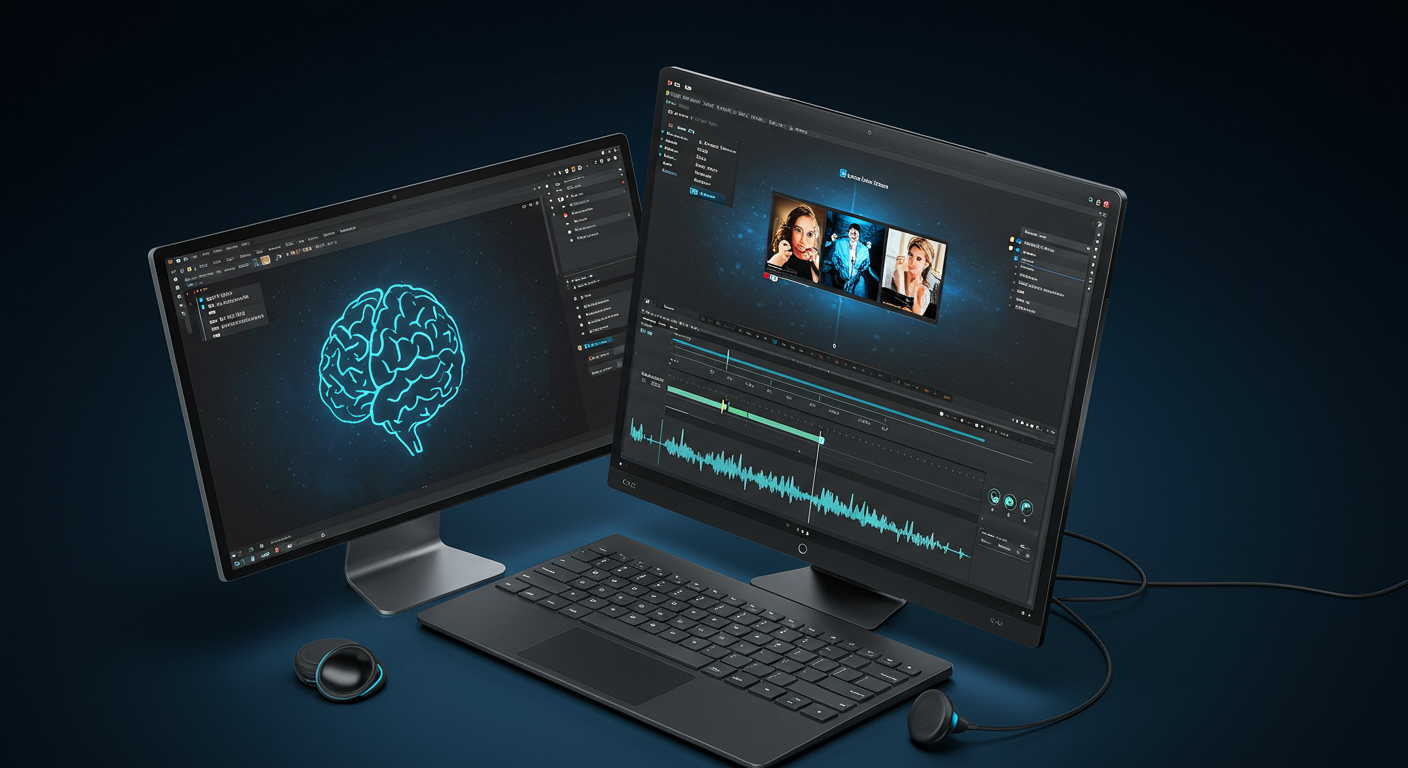
Movavi’s advanced AI tools streamline complex editing tasks, making professional-quality videos accessible to beginners and experts alike.
- Auto Subtitles: Automatically generates and syncs captions in multiple languages, saving hours of manual work. Users can customize fonts, colors, and positions for a polished look, ideal for social media accessibility. A user on Reddit noted, “Subtitles work pretty well… saves a lot of time than typing everything in.”
- AI Motion Tracking: Tracks moving objects to add dynamic elements like text or stickers, enhancing engagement with minimal effort. The adjustable slider ensures precise results, even with complex backgrounds.
- AI Background Removal: Replaces or removes backgrounds without a green screen, perfect for creating vibrant TikTok or YouTube Shorts content. TechRadar praised its effectiveness, even with challenging backgrounds like foliage.
- Noise Removal: Eliminates unwanted sounds like traffic or wind, delivering clear audio with a single click, enhancing the quality of vlogs or tutorials.
These AI-driven tools, as highlighted by Fixthephoto, provide a competitive edge over other editors in this price range, making video creation both efficient and creative.
3. User-Friendly Interface for All Skill Levels
Movavi’s intuitive design ensures that users, from novices to professionals, can create stunning content without extensive training.
- Streamlined Dashboard: The clean interface organizes tools into Video, Audio, Photo, and Data tabs, with a customizable home screen for quick access to favorite apps. Personalized recommendations based on user interests enhance the experience.
- Drag-and-Drop Functionality: Import media, apply effects, and arrange clips on the timeline with simple drag-and-drop actions, reducing the learning curve to under 20 minutes, as noted by Movavi’s testing with non-experts.
- Cross-Platform Compatibility: Runs on macOS (11.0 or higher) and Windows (7 or later), with modest system requirements (2GB RAM, 400MB storage), making it accessible on most modern devices.
A user review on SoftwareAdvice stated, “Even if you’re new to video editing, you can quickly get the hang of it and start creating professional-looking videos without spending hours learning.”
4. Tailored for Diverse Use Cases
Movavi Video Suite 2025 caters to a wide range of users, from YouTubers to small businesses, with versatile tools for various projects.
- Content Creators: Create engaging vlogs, gaming videos, or tutorials with features like Intro Mode for preset sequences and optimized presets for YouTube, Instagram, and TikTok uploads.
- Businesses and Marketers: Produce professional video ads, product demos, or corporate training materials with chroma key, picture-in-picture, and color correction tools.
- Educators and Students: Record screencasts, edit educational videos, or create slideshows with templates, ideal for online learning or presentations.
The suite’s versatility is praised by Digital Trends for appealing to both content producers and organizers, ensuring accessibility for all skill levels.
5. Flexible Pricing and Promotions
Movavi offers flexible pricing options to suit different budgets, with additional savings through promotions.
- Pricing Plans:
- Video Suite: $109.95/year or $79.95 lifetime, including video editor, converter, and screen recorder.
- Video Editor Plus: $69.95/year or $94.95 lifetime, with advanced features like motion tracking.
- Monthly Subscription: $29.95/month with full access to effects.
- Free Trial: A 7-day trial includes all features but adds watermarks and limits audio length, allowing users to test before committing.
- Discounts: Use the code “PTNAFF150424AFS15” for a 15% discount on yearly subscriptions, valid as of July 2025.
While some users note performance issues with heavy 4K rendering, Movavi’s hardware Acceleration with Intel, NVIDIA, and AMD ensures smooth operation on most systems.
6. Tips for Optimizing Your Movavi Experience
To maximize Movavi’s potential, consider the following:
- Use AI Tools Strategically: For auto subtitles, review and adjust text for accuracy, especially in noisy environments, to ensure professional results.
- Optimize System Performance: Ensure your device meets the recommended 8GB RAM for 4K editing to avoid slowdowns, as noted by some users during heavy rendering.
- Explore the Effects Store: Access free effects like neon and glitch, but consider purchasing premium packs for unique transitions or LUTs to enhance your content.
- Leverage Support: Contact Movavi’s 24/7 support via live chat (for premium users) or email for quick resolution of issues, as praised by user Johnny Green for their responsive service.
7. Join the Movavi Community Today
Movavi Video Suite 2025 is a powerful yet accessible solution for creating stunning videos, slideshows, and screencasts, trusted by over 70 million users worldwide. With its AI-driven tools, intuitive interface, and extensive effects library, Movavi empowers creators to produce professional content for social media, education, or business without complexity. Backed by a 30-day money-back guarantee and regular updates (15+ per year), Movavi ensures reliability and continuous improvement.
Take Action Now: Visit Movavi to download the 7-day free trial, use the discount code “PTNAFF150424AFS15” for 15% off, and start creating wow-worthy videos today. Join the global community of creators and elevate your content with Movavi