
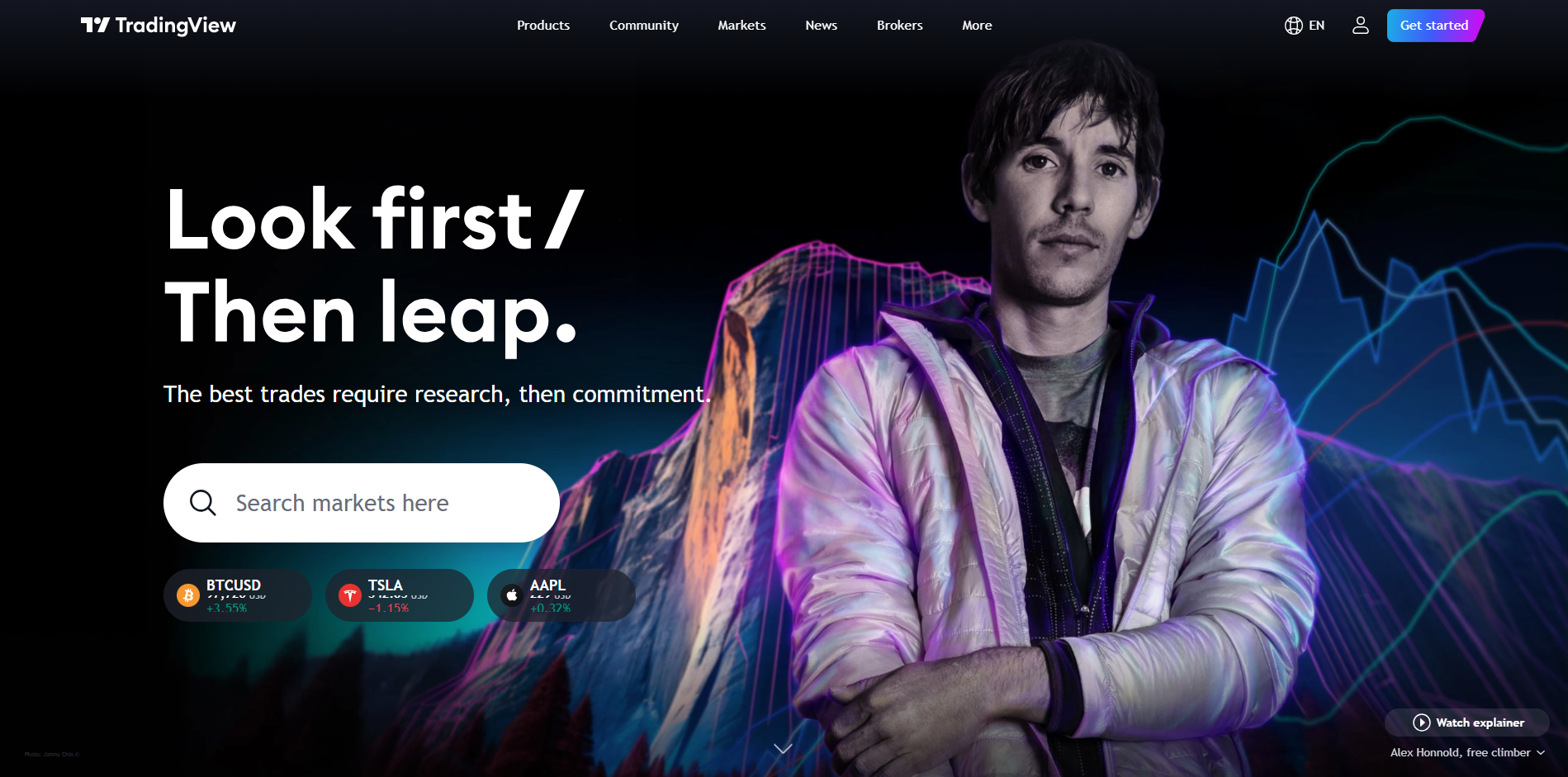
Overview and Detailed Analysis of TradingView
TradingView is a leading platform for financial charting and social networking for investors and traders. With its modern interface and diverse features, TradingView has become one of the most popular technical analysis tools today. Below is a comprehensive analysis of this platform.
I. Introduction and Overview of TradingView
- History and Development: TradingView was first launched in 2011 and has since become one of the world’s leading financial chart analysis platforms. This development reflects the platform’s continuous growth and focus on addressing the real needs of the trading community.
- Objective: TradingView aims to provide a comprehensive analysis platform that helps users, from individual traders to financial institutions, conduct technical analyses, research the market, and make informed trading decisions.
- Flexibility: One of TradingView’s standout strengths is its flexibility, supporting multiple types of financial assets, including stocks, cryptocurrencies, forex, commodities, and indices.
II. User Interface and Experience
- User Interface: TradingView‘s interface is designed to optimize user experience. The charts are fully customizable in terms of colors, layout, and indicators. Users can drag and drop components on the chart, add or remove tools as desired, without requiring programming knowledge.
- Navigation Menu: The top navigation menu is clearly organized with items like “Chart,” “Screener,” “Market,” “Ideas,” and “Scripts.” This layout helps users easily find and access the platform’s main features.
- Toolbar: On the left side of the chart is a toolbar containing drawing tools such as trend lines, Fibonacci retracement, price channels, and many other options. Below the chart is another toolbar for selecting timeframes, chart types (candlestick, bar, line…), and adding technical indicators.
- Chart Layout: Users can customize the layout with multiple charts at once. For example, one can compare multiple currency pairs or stocks on a single screen with a split layout, which very few other platforms offer in such a flexible manner.
III. Analysis Tools and Special Features
- Technical Analysis Tools: TradingView offers hundreds of technical indicators, ranging from basic ones like RSI, MACD to more complex ones like Ichimoku, Bollinger Bands, and Elliott Wave. Users can add multiple indicators to a chart and customize the parameters of each one.
- Drawing Tools: The drawing toolbar on the left side of the chart provides a wide range of tools for drawing and analysis, such as trend lines, price channels, arrows, annotation symbols, price ranges, and other shapes. Notably, these tools allow users to save their positions and adjustments on the chart.
- Pine Script and Custom Indicators: Pine Script is a programming language designed specifically for TradingView. Users can write their own scripts to create custom indicators and automate strategies. Pine Script is simple and easy to learn, suitable even for non-programmers, and comes with detailed documentation to help users create unique analysis tools.
- Screener Tools: TradingView offers a market screener tool with customizable filters for stocks, forex, cryptocurrencies, and futures. Users can set filtering conditions based on technical indicators, price movements, trading volume, and many other factors.
- Trading Directly From Charts: One of the standout features is the ability to connect with online exchanges like OANDA, FXCM, Binance, and many others. Users can place buy, sell, stop loss, and take profit orders directly from the chart with simple operations.
- Price and Technical Alerts: Users can set up alerts on charts for prices, volumes, or any conditions of technical indicators. Alerts can be received via email, SMS, or mobile app notifications, helping users not to miss trading opportunities.
IV. Community and Interaction
- Sharing Trading Ideas: TradingView has a large community with millions of users worldwide. Users can share their trading ideas, including chart analysis, market forecasts, and discuss them with the community. Ideas can be tagged under different topics, allowing users to follow analysts or strategies they are interested in.
- Live Chat: The direct chat feature allows users to discuss the market and share perspectives with the community. This is a place for traders to exchange knowledge and learn new strategies.
- Live Streams: In addition to posts and ideas, TradingView offers a live streaming feature for analysts. These live streams typically focus on real-time market analysis, answering viewers’ questions, and sharing trading strategies.
V. Performance and Stability
- Loading Speed: TradingView’s charts load very quickly and do not cause interruptions even when multiple indicators and drawing tools are applied simultaneously. This is achieved thanks to TradingView’s advanced web technology, which optimizes data processing and display.
- Real-Time Data: TradingView provides high-accuracy real-time market data. Although the free version may have slight delays for some markets, the paid plans ensure accurate and timely data for users.
VI. Comparison with Other Platforms
- Compared to MetaTrader: TradingView offers a more intuitive interface, supports a wider range of financial assets, and integrates a larger user community. While MetaTrader 4/5 focuses more on automated trading and forex, TradingView is more flexible for various markets such as stocks, cryptocurrencies, and commodities.
- Compared to Thinkorswim: Thinkorswim provides high-quality real-time data and many customization tools but is limited to users in certain countries. TradingView is more flexible internationally, more accessible, and has a more active community.
VII. Security and Reliability
- Security Certificates: TradingView applies the highest security standards, including using SSL certificates to encrypt data between users and servers, helping protect personal information and accounts.
- Privacy Policy: TradingView is committed to protecting user personal information and does not share data with third parties without user consent.
- 109Data Reliability: TradingView partners with many reputable data providers like Nasdaq, NYSE, CME Group, Binance, and dozens of other exchanges, ensuring users receive high-quality data.
VIII. Conclusion: Pros and Cons
- Pros:
– User-friendly, intuitive interface with high customizability.
– A diverse range of technical analysis tools, supporting most types of financial assets.
– Pine Script and a rich library of custom indicators.
– A social network for traders, creating a space for learning and sharing.
– The ability to trade directly from the chart with multiple linked exchanges.
- Cons:
– The cost of paid plans can be quite high for some individual traders.
– For free users, there are some limitations like data delays and the number of indicators.