
How to Set Up a Free ScalaCube Minecraft Server for Beginners in 2025
Learn how to set up a free ScalaCube Minecraft server in 2025 with 3GB RAM and easy controls. Ideal beginner guide to host and upgrade for multiplayer fun.
1. Why Choose a Free ScalaCube Minecraft Server?
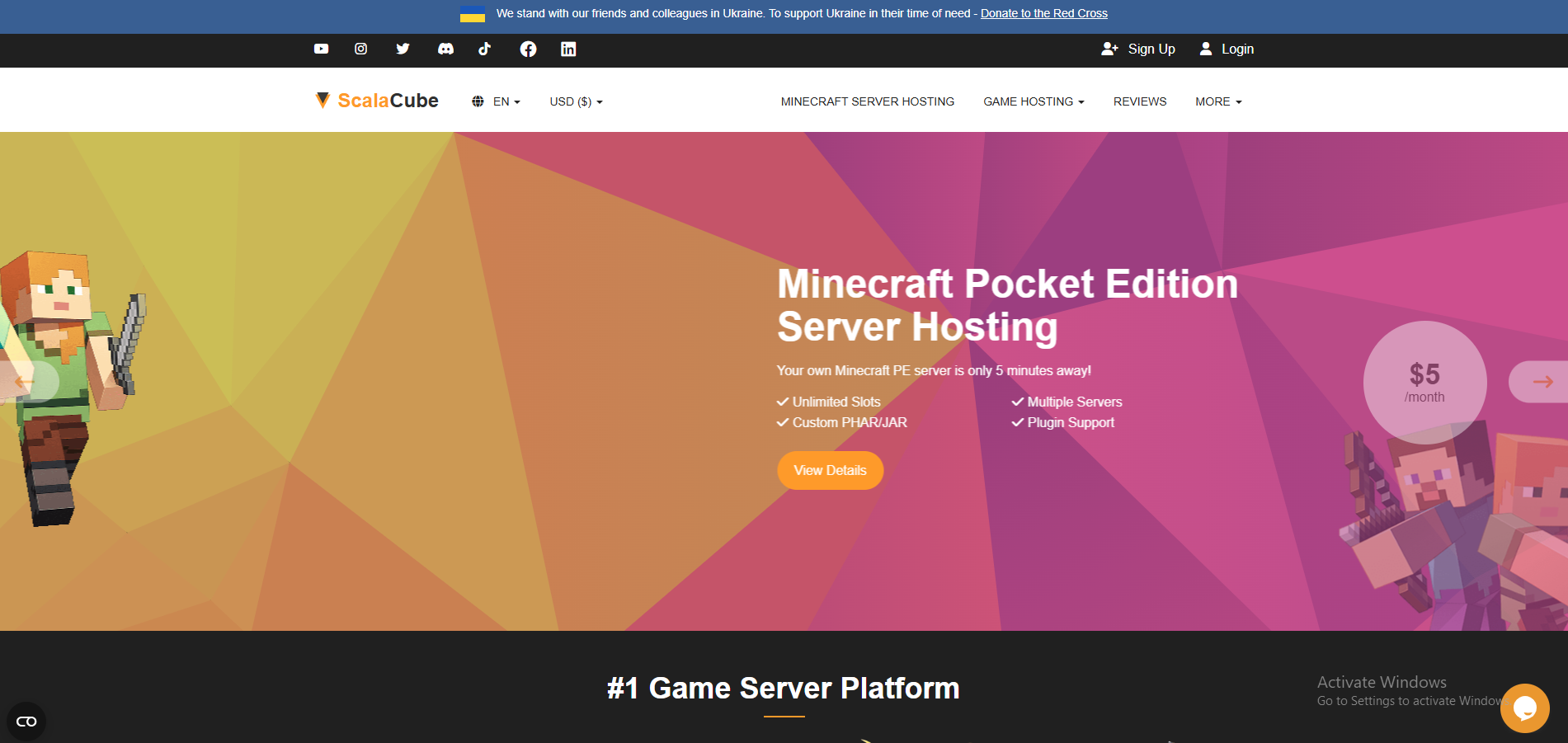
Starting your Minecraft journey with a free ScalaCube Minecraft server is the perfect way for beginners to dive into hosting without upfront costs. ScalaCube offers a free single-player server with 3GB RAM, 30GB SSD storage, and no player limit, backed by an unlimited usage policy. This means you can host your world indefinitely, experiment with settings, and invite friends to join—all at no charge.
Designed for ease of use, ScalaCube’s intuitive control panel and global server locations make it the ideal ScalaCube beginner guide for 2025. Whether you’re building solo or planning to scale up, this guide will walk you through setup and customization, with a smooth transition to premium plans for multiplayer. Ready to start? Visit ScalaCube Free Servers to begin.
2. Step-by-Step Guide to Setting Up Your Free Server
Setting up your free ScalaCube Minecraft server is quick and straightforward. Follow these steps to get started:
- Sign Up: Go to scalacube.com/free, click “Get Free Server,” and create an account with your email and password.
- Select Minecraft: Choose “Minecraft” from the game list, then select the free plan (3GB RAM, 30GB SSD).
- Configure Settings: In the control panel, set your server name (e.g., “MyFirstServer”), game version (e.g., 1.21), and location (e.g., US East for low ping).
- Launch the Server: Click “Create Server” and wait 1-2 minutes for activation. Once ready, note the server IP address.
- Join the Server: Open Minecraft, select “Multiplayer,” click “Add Server,” enter the IP, and connect to start playing.
Time Required: ~5 minutes. If you encounter issues, ScalaCube’s support team is available via ticketing. Check our ScalaCube Support Guide for help.
Tip: Test the server with a single-player world first to ensure settings work before inviting friends.
3. Tips for Customizing Your ScalaCube Minecraft Server
Customize your free ScalaCube Minecraft server to match your playstyle with these beginner-friendly tips:
- Add Resource Packs: Upload custom textures via the control panel’s “File Manager” to enhance visuals. Select “Resource Packs” and apply your download.
- Adjust World Settings: Modify difficulty (e.g., Peaceful), game mode (e.g., Creative), and spawn settings in the control panel’s “Server Properties.”
- Enable Cheats: Turn on command blocks for creative freedom by editing “allow-cheats” to true in the settings.
- Install Basic Mods: Use the control panel to add simple mods like OptiFine for better performance, though advanced mods require a premium plan.
- Backup Regularly: Schedule daily backups in the control panel to protect your progress.
These tweaks make your server unique and fun. For more advanced customization, consider upgrading to a premium plan with mod support.
Example: Adding a resource pack with medieval textures turned a beginner’s server into a themed adventure world.
4. Transitioning to Premium Plans for Multiplayer
While the free ScalaCube Minecraft server is great for solo play, premium plans unlock multiplayer and advanced features. Here’s how to transition:
- Why Upgrade? Premium plans ($2.50/month for 10 slots) offer unlimited servers, 1,000+ modpacks, and 24/7 uptime, ideal for friends or communities.
- Upgrade Process: In the control panel, go to “Upgrade Plan,” select a package (e.g., 10 slots, 4GB RAM), and pay via PayPal or card. Your data transfers automatically.
- Benefits: Host up to 600 players, add mods like Pixelmon, and access global locations (e.g., Asia, Europe) for low ping.
- Pricing Tiers: Starts at $2.50/month (10 slots) to $96/month (600 slots), with a 50% off first-month coupon often available.
Upgrade to enjoy multiplayer gaming with your friends. Explore premium plans at ScalaCube Minecraft Hosting.
Offer: Use code “SC50” (if available) for 50% off your first month on a premium plan.
5. User Story: A Beginner’s First Server Experience
Sarah Nguyen, a 16-year-old Minecraft enthusiast, shared her first server experience with ScalaCube:
“I was nervous about hosting, but ScalaCube’s free server was so easy to set up! Within 10 minutes, I had my world running. I added a resource pack, and my friends loved it. Upgrading to the $2.50 plan let us play together—it’s been amazing!” – Sarah Nguyen
Sarah’s story illustrates how the ScalaCube beginner guide empowers new players to host and grow their Minecraft worlds, paving the way for community building.
6. Conclusion: Start Your Minecraft Journey with ScalaCube
Setting up a free ScalaCube Minecraft server is the perfect entry point for beginners in 2025, offering 3GB RAM, 30GB SSD, and unlimited usage with ease of use. With simple customization options and a clear path to premium plans ($2.50/month for multiplayer), ScalaCube supports your growth from solo play to a thriving community.
Launch your server today at scalacube.com/free and experience the how to set up Minecraft server 2025 process firsthand. Upgrade to a premium plan to unlock modding and multiplayer, and use code “SC50” (if available) for 50% off your first month. Join Sarah and thousands of others in building your Minecraft legacy!
Start Your Free ScalaCube Server Now!