
Wispr Flow Review (2026): Is this AI Voice Dictation Tool Worth Ditching Your Keyboard?
A comprehensive review of Wispr Flow, the AI voice-to-text tool that helps you write 4x faster. Is it actually good? Discover its features, pricing, and pros & cons!
Ever wish you could just talk and have perfectly polished text appear on your screen? Wispr Flow is trying to make that a reality. In the AI era, manual typing is slowly becoming obsolete. Wispr Flow promises to let you write 4x faster than you can type, working seamlessly across all your favorite apps.
But is this app really as magical as it claims? In this 2026 Wispr Flow review, we will dive deep into its core features, pricing plans, and its notable drawbacks (especially regarding privacy) to help you decide if it is worth the investment.
👉 Try Wispr Flow for Free Today!
——————————————————————————–
1. What is Wispr Flow?
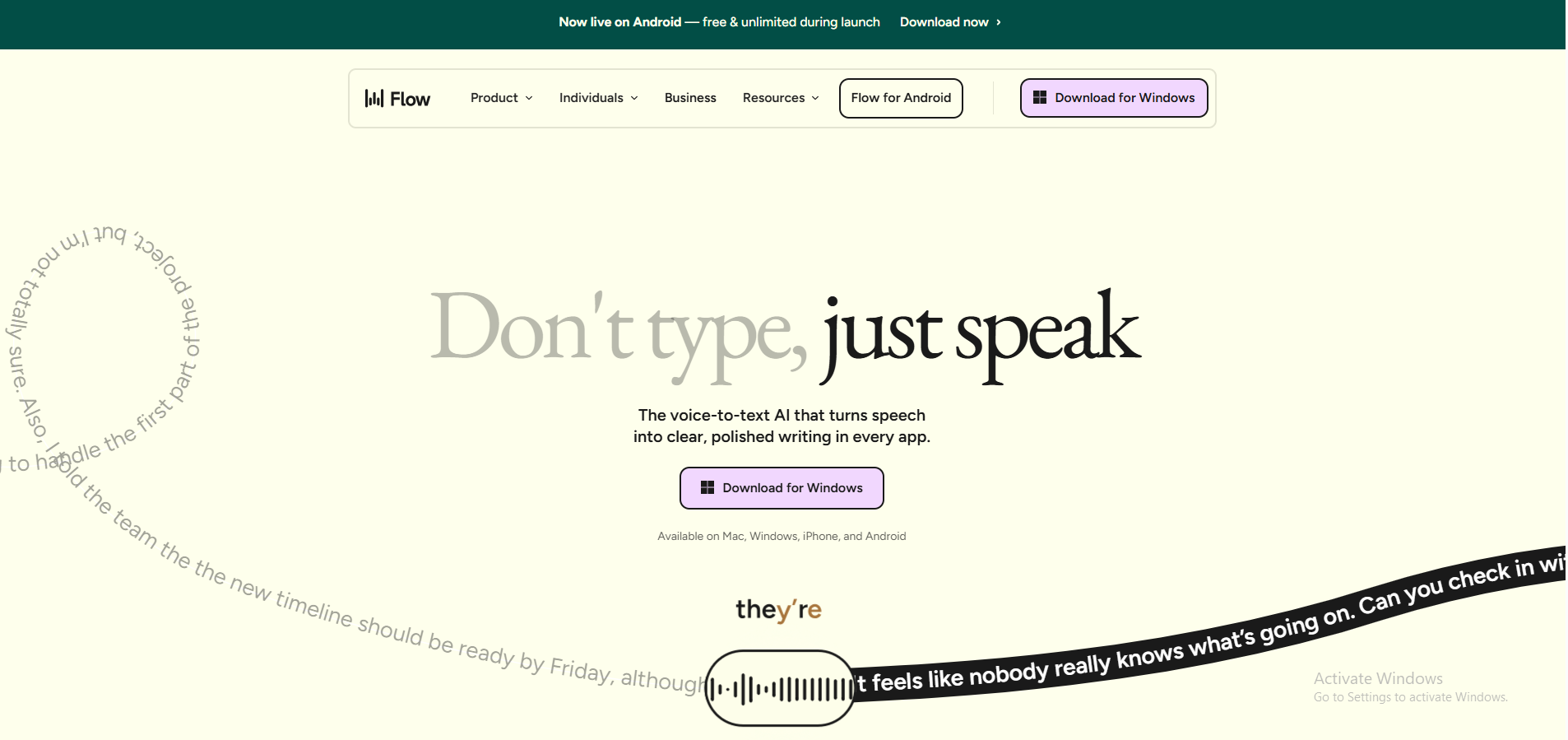
Wispr Flow is an AI-powered voice dictation application available on Mac, Windows, iOS, and Android. Unlike the basic built-in speech-to-text features on your phone, Flow is much smarter.
The AI engine doesn’t just transcribe; it cleans up, edits, and formats your speech in real-time. This universal app works exactly where you type—whether that’s in Google Docs, emails, Slack, Notion, or even code editors like VS Code.
2. Features That Make Wispr Flow a Game-Changer
AI-Powered Auto-Editing
The biggest differentiator of Wispr Flow is its contextual awareness. When you stumble or use filler words like “ums” and “ahs”, the AI automatically cuts them out to produce clean sentences. It even features “course correction”: if you say, “We should meet on Tuesday, wait, no, let’s do Wednesday,” Wispr Flow is smart enough to just output: “We should meet on Wednesday”.
Command Mode
This is arguably the app’s most powerful feature. You can highlight existing text and give it voice commands without touching your keyboard. Just say, “Make this sound more professional” or “Turn this into bullet points,” and Flow will rewrite the selected text for you instantly.
Blazing Fast Dictation Speed
While an average typist hits around 40-80 words per minute, independent tests show that Wispr Flow users can reach incredible dictation speeds of 179 to 184 words per minute. This is a massive time-saver for content creators, developers, and anyone managing a heavy inbox.
100+ Languages & Auto-Detection
Flow supports over 100 languages and features automatic language detection. You can even switch between languages mid-sentence (like mixing English and your native language), and the app will flawlessly recognize and format the text without missing a beat.
Whisper Mode
A rare find in dictation tools! Whisper Mode allows you to dictate quietly, making it perfectly optimized for shared offices, coffee shops, or public transport where you don’t want to disturb others.
——————————————————————————–
3. The Red Flags: Limitations to Consider
To give you an objective view, here are the drawbacks you must consider before committing:
- No Offline Mode: Wispr Flow requires a constant internet connection. Because it relies on cloud-based AI models, it simply will not work if you are on a flight or in an area with poor connectivity.
- Heavy Resource Usage: The desktop app can be quite a resource hog. Independent reports show it consuming around 800MB of RAM and taking up continuous CPU power (around 8%) even when idling in the background.
- Privacy & Cloud Processing: Your voice data is sent to third-party cloud servers (like OpenAI and Meta) for processing. If you handle highly sensitive legal or medical data, this might be a dealbreaker. However, it’s worth noting that their Enterprise plan does offer SOC 2 Type II and HIPAA compliance.
4. Wispr Flow Pricing: Is Pro Worth It?
Wispr Flow operates on a freemium model with the following main tiers:
- Basic/Free Plan: $0. You are limited to 2,000 words per week. It is great for testing the waters, but it lacks cross-device syncing and locks you out of the powerful Command Mode.
- Pro Plan: $15/month (or $143.99/year, which equals roughly $12/month). This unlocks unlimited dictation, all AI auto-edits, Command Mode, and multi-device syncing.
Verdict: If you make your living in front of a keyboard, the 15/month is easily justified by the sheer number of hours you will save on drafting and editing.
👉 Upgrade to Wispr Flow Pro & Supercharge Your Workflow!
5. Who is Wispr Flow Best For?
Wispr Flow is your perfect match if you are a:
- Writer, Marketer, or Content Creator: Needing to draft high volumes of blogs, scripts, or reports effortlessly.
- Developer: Wanting to dictate code, comments, or documentation directly into VS Code or Cursor at lightspeed.
- Customer Support / Sales Rep: Replying to hundreds of tickets and emails daily while maintaining a professional tone.
Skip it if: You work offline frequently, use an older machine with limited RAM, or handle strictly confidential data that cannot leave your device.
6. Final Verdict: Should You Ditch Your Keyboard?
With a stellar 4.6/5 rating from the Product Hunt community, Wispr Flow is clearly not just a gimmick. It is currently one of the most intelligent and flexible AI voice dictation tools on the market. Its ability to drop seamlessly into any app and automatically clean up your messy thoughts puts it miles ahead of native OS dictation tools.
However, convenience comes at the cost of cloud dependency and privacy trade-offs. If you are comfortable with cloud processing in exchange for quadrupling your writing speed, Wispr Flow is a must-have productivity booster for your 2026 tech stack.
🔥 Ready to write as fast as you think?
DOWNLOAD & TRY WISPR FLOW FOR FREE NOW!]