
Wispr Flow Review (2026 Update): Can this $81M AI Tool Really Help You Dictate at 184 WPM?
Discover Wispr Flow in 2026 with its newly launched Android app. Is this AI dictation tool worth $15/month? Read our detailed review, pros/cons, and how it can 4x your workflow speed.
If you are looking for a way to free your hands and speed up your workflow, you have probably heard of Wispr Flow. Backed by a massive $81 million in funding to build the “Voice OS”, this tool is not just a passing trend.
Recently, Wispr Flow won The People’s Champ Award for AI Dictation Apps on Product Hunt (Winter 2025) with an impressive score of 4.6/5. But beyond the hype and praises, is it truly flawless? In this updated 2026 review, we will break down every aspect of Wispr Flow to see if it deserves a spot on your computer.
👉 Sign up and try Wispr Flow for Free today!
——————————————————————————–
1. What’s New in Wispr Flow for 2026?
Wispr Flow has made massive leaps since its initial release, introducing features that turn it into a true digital assistant:
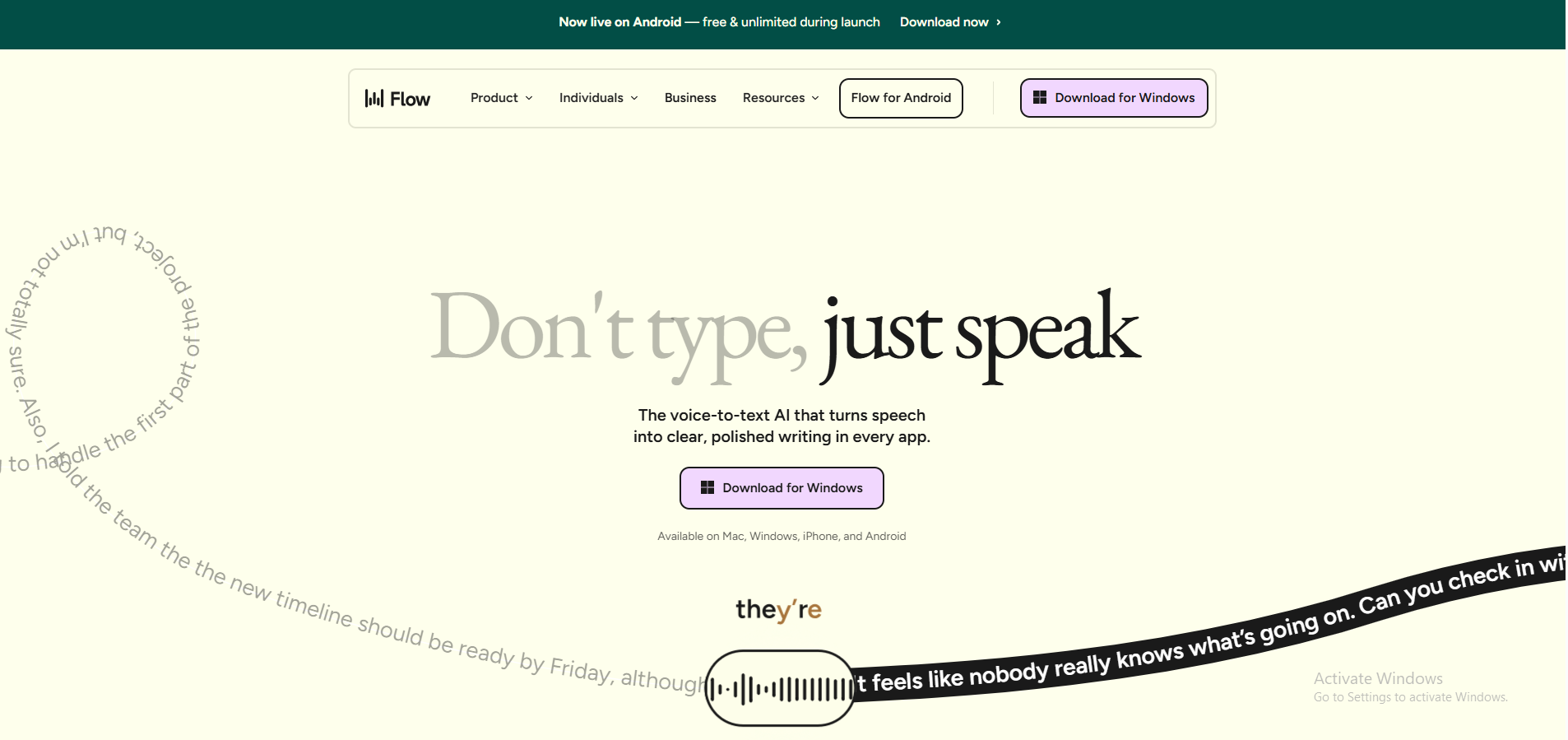
- Now Live on Android (Free during launch): The wait is finally over! Wispr Flow is now available on Android, and as a launch bonus, it is currently free and unlimited for Android users. Flow’s ecosystem now seamlessly covers Mac, Windows, iOS, and Android.
- Snippet Library (Voice Shortcuts): Tired of typing out the same Calendly link, elevator pitch, or customer greeting? The Snippet feature lets you create voice shortcuts. Just say a short cue like “support intro”, and Flow will automatically paste your full, formatted text template.
- Team Sharing: Flow now allows teams to share a custom dictionary of terminology. This ensures that client names, company jargon, and specific acronyms are consistently recognized across all team members.
2. Real-World Experience: Is 184 WPM Actually Possible?
Wispr Flow promises to let you write 4x faster than traditional typing. According to independent tests and power users, hitting incredible speeds of 179 to 184 words per minute is entirely achievable, placing users in the top 1% of typing speeds.
What is the secret? It doesn’t just transcribe; it actively edits. Flow listens, removes filler words like “um” and “uh”, and formats your sentences perfectly on the fly. For developers especially, this tool works flawlessly inside environments like Cursor and VS Code. You can literally pace around your room while dictating code, writing documentation, or replying to Slack messages without ever touching your keyboard.
3. The “Hard Truths” You Must Know Before Buying
To be a smart consumer, you cannot ignore the software’s current limitations:
- Mandatory Internet Connection (No Offline Mode): Unlike some localized competitors, Wispr Flow processes your voice entirely in the cloud. If you have a spotty connection, or if you are on a flight, the app will simply not work.
- System Resource Hog: Multiple users, especially on Windows, have noted that the app consumes around 800MB of RAM and uses about 8% of your CPU even while sitting idle in the background. If you are using a lower-end machine (like an 8GB RAM laptop), this might impact your system’s performance.
- 6-Minute Recording Limit: If you are the type to do massive, uninterrupted “brain dumps”, you might occasionally hit a warning as the app currently has a 6-minute time limit per continuous transcription.
- Data Privacy Concerns: Because of its cloud-based architecture, your audio data is sent to third-party servers (like OpenAI or Meta) for processing. While the Enterprise plan offers strict SOC 2 Type II and HIPAA compliance, everyday users handling highly sensitive legal or medical data should carefully review the privacy trade-offs.
4. Pricing: Is the Pro Upgrade Worth It?
Wispr Flow offers a straightforward pricing structure:
- Basic Plan (Free): Allows you to test the waters with a limit of 2,000 words per week. While good for a quick trial, it locks you out of “Command Mode”—the powerful feature that lets you edit and rewrite text using only your voice.
- Pro Plan ($15/month or $144/year): Unlocks unlimited dictation, all AI auto-editing capabilities, multi-device syncing, and Command Mode.
Verdict: The 2,000-word weekly limit on the free tier will run out incredibly fast, often within a day or two of active use. If you are a content creator, copywriter, customer support rep, or developer, investing roughly $12/month (on the annual plan) is a massive bargain for the dozens of hours it will save you every month.
👉 Start your Wispr Flow trial and upgrade to Pro today!
5. Final Thoughts: Who is Wispr Flow For?
Wispr Flow is not for everyone. If you work in secure, offline environments or have strict zero-cloud privacy requirements, you should look for local alternatives.
However, if you are an entrepreneur, content creator, support agent, or developer looking for a modern way to optimize your productivity, Wispr Flow is truly a 2026 “magic trick”. Its ability to integrate seamlessly across all apps and auto-clean your messy thoughts currently has no equal in the market.
🔥 Don’t let the keyboard bottleneck your thoughts any longer!
DOWNLOAD WISPR FLOW AND EXPERIENCE 184 WPM NOW!]